Claude Code in a team: what to put in CLAUDE.md and what to put in a gate
| 1 | Team agreement templates | github.com |
-
1
00:00
The fifth conflict in one session in a single file
1 What to do
See how, with an agreement in place, the same two PRs go in for all three without a conflict, and understand the task of the video: what to put in the shared file and what to put in a gate.
-
2
00:58
Three people, three machines, one product
1 What to do
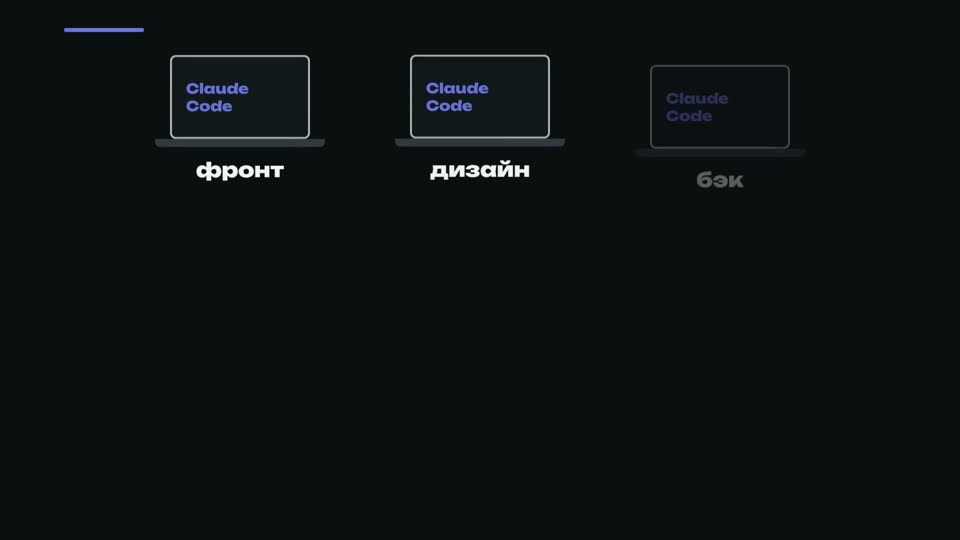
Break down how work is set up with three people: each has their own machine and their own Claude Code, the repository, staging and chat are shared, each merges their own work through a PR, and the agreements are written down by people.
3 What you will see
diagram: three machines, each with its own Claude Code session, one repository, one staging; "PR" arrows go into the repository; a "staging" arrow; the fourth node of the diagram is the team chat with a bot, with a dotted line from each machine to the chat
-
3
02:34
Case 1/4 · A generated file in git
1 What to do
Do not edit by hand a file that a script builds: take the task board out of git so that everyone builds it on their own machine, and write the list of generated files into the shared rules file.
-
4
04:13
Case 2/4 · A push to main bypassing the PR
1 What to do
Build the rule "to main only through a PR" into the repository's gate rather than leaving it as words, and write down the rule about branches: a branch does not live longer than one session.
-
5
05:44
Case 3/4 · Regeneration wiped out the manual edits
1 What to do
Make sure the generator does not wipe manual lines: keep the manual content separately, let the generator only append new content, and check that after a run all the manual lines are still in place.
-
6
07:25
Case 4/4 · One bug, two ways
1 What to do
Write down the zones: every folder has an owner, and a bug in someone else's zone is not fixed by yourself but filed as a task for the owner; this rule is enforced on GitHub, and the table in the file describes it.
-
7
08:55
Words or a gate
1 What to do
For each rule, write down what it catches and what holds it up, words or a gate; put everything that a machine can check into a gate, and code is not checked by its own author.
-
8
09:55
How this is brought into the system
1 What to do
Lay the rules out as files so that the agent reads only those relevant to its task, close the agent's task only through a gate, and hand out rule updates to everyone in a single commit.
-
9
10:36
Where this breaks
1 What to do
Take into account three places where agreements break: different machines (check the shared script on every OS in the team), keys (enter them by hand into a file that the agent is forbidden to read) and the fact that agents will not agree among themselves on their own.
-
10
11:24
Homework and finale
1 What to do
Write an agreements file for your team, or for yourself in advance, from the templates in the kit: stack, style, what must not be generated without review, who owns which pieces. At the end, check that the gate holds: ask the agent to read a key.
Homework
Write an agreements file for your team — or for yourself in advance: stack, style, what must not be generated without review, who owns which pieces.
Write in the comments what you agreed on in your team.